
Let Claude Code use your Safari
Your own tabs and logins, only on the sites you allow. Stop it any time with one click.
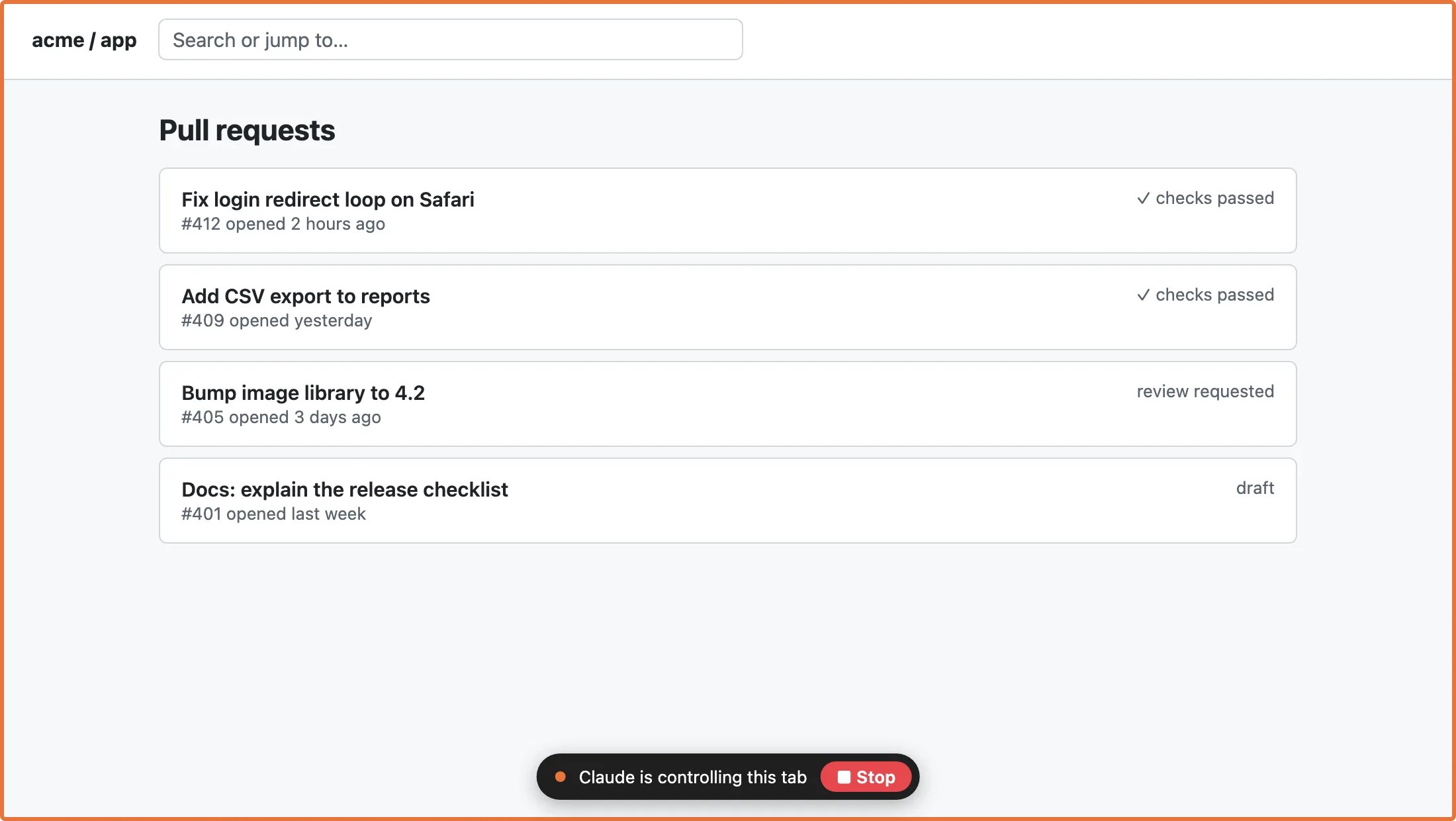
What Claude can do
- Open and browseNew tabs, links, back
- Read pagesText plus a list of buttons, links and fields
- ActClick, type, press keys, scroll
- SeeScreenshot of a tab
- WaitUntil a page loads or text appears
- Use your loginsThe sites you are already signed in to
You stay in control

- You approve each session. A new Claude Code session waits until you allow it in the toolbar, so another program on your Mac cannot borrow your Safari.
- You allow each site. Nothing happens on a site until you click Allow in Safari's toolbar.
- Only its own tabs. Claude works in tabs it opened or you handed over. Other tabs show only their site name.
- Stop wins. One click on Stop releases every tab and blocks everything until you say continue.
- Never secrets. Password, one-time-code and card fields are never read or typed. You fill those.
- No history, cookies or AutoFill. The extension does not ask for them.
- Stays on your Mac. No servers of ours, no analytics. What Claude Code sends to its model follows your Claude Code settings.
Web pages can contain text written to trick an AI. Agent Bridge marks page text as untrusted, and pages cannot start actions on their own. Still, ask Claude to check with you before buying, sending, posting or deleting.
Install in three steps
- Install the Mac app Download, move Agent Bridge for Safari to Applications, open it once. Download for Mac
- Turn on the extension Safari › Settings › Extensions › Agent Bridge for Safari. Allow it on websites when Safari asks.
-
Add the plugin in Claude Code
/plugin marketplace add TakePilot/safari-agent-bridge
/plugin install agent-bridge@agent-bridge
Questions
Is this made by Apple or Anthropic?
No. Agent Bridge for Safari is an independent tool by TakePilot. It works with Safari and with Claude Code.
Does it send my browsing to you?
No. The app has no network code of its own and no analytics. Page content goes from Safari to the helper on your Mac and then to Claude Code.
Can a web page take over Claude?
Pages cannot send commands; only Claude Code can, and only through the helper on your Mac. Page text is labelled untrusted. Keep Claude asking you before anything you cannot undo.
What if a site redirects somewhere else?
Each command checks the site again just before it runs. A site you have not allowed gets a new request in the popup.
Some buttons do not react. Why?
Clicks are simulated, and a few sites ignore simulated input. Claude will ask you to do that step.
Does it work with other browsers or agents?
Safari on macOS and Claude Code only, for now.
How do I remove it?
Run /plugin uninstall agent-bridge in Claude Code and move the app to the Trash. Your allowed-site list goes with it.
Contact
Bugs, questions, security reports: support@takepilot.ai